Utility Materials themes

Utility Materials themes carry one visual system across editor, note-taking, and 3D workflows. This site keeps the install paths, previews, and supported apps in one place.
visual systemDark structure. Orange as state. Monospace-forward type. Dense panels built for long sessions.
Supported appsCodex / Obsidian / VSCode / Cursor / Blender
theme behaviorBuilt for long sessions, quick scanning, and controlled contrast
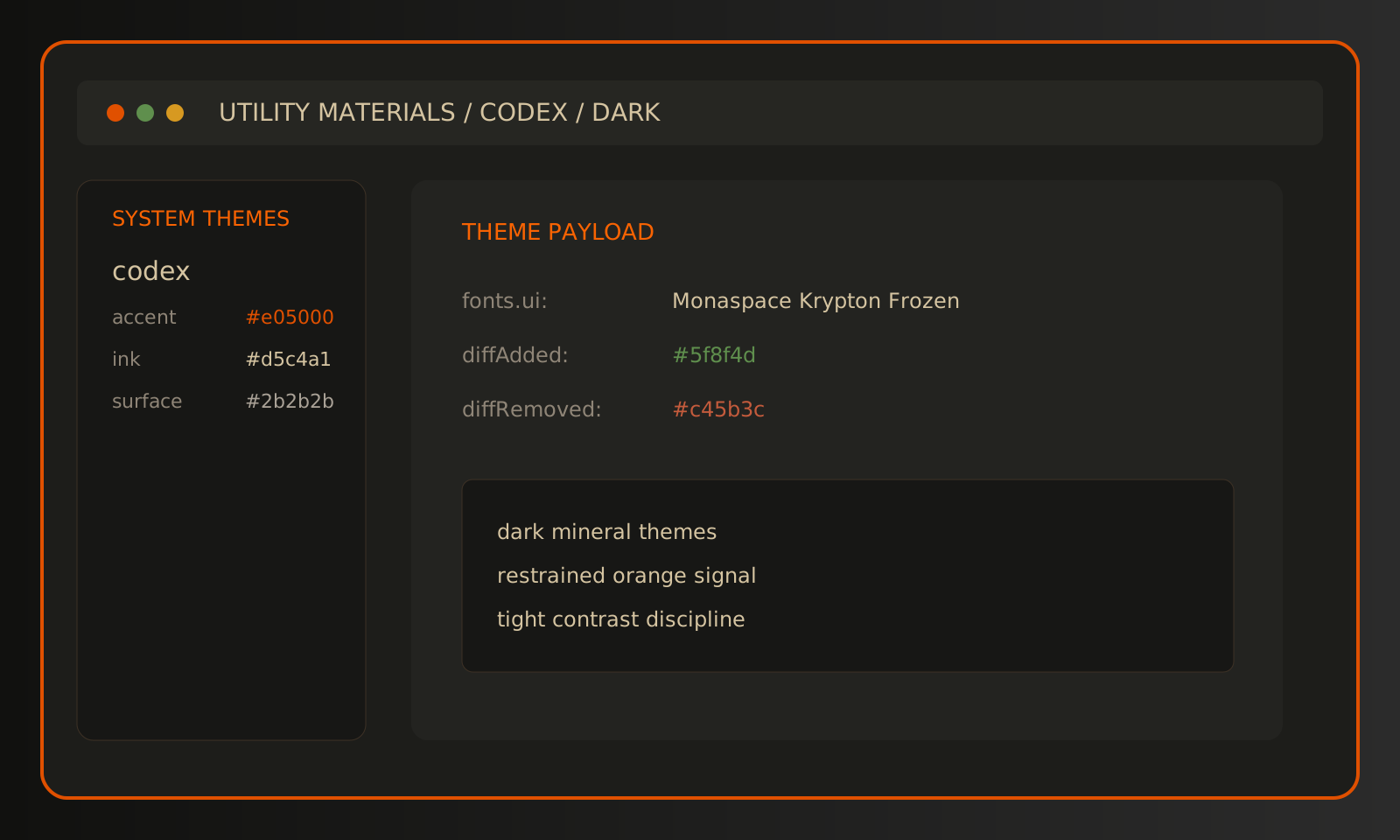
Codex preview showing dark theme structure and restrained orange state color.
Codex

Utility Materials for Codex

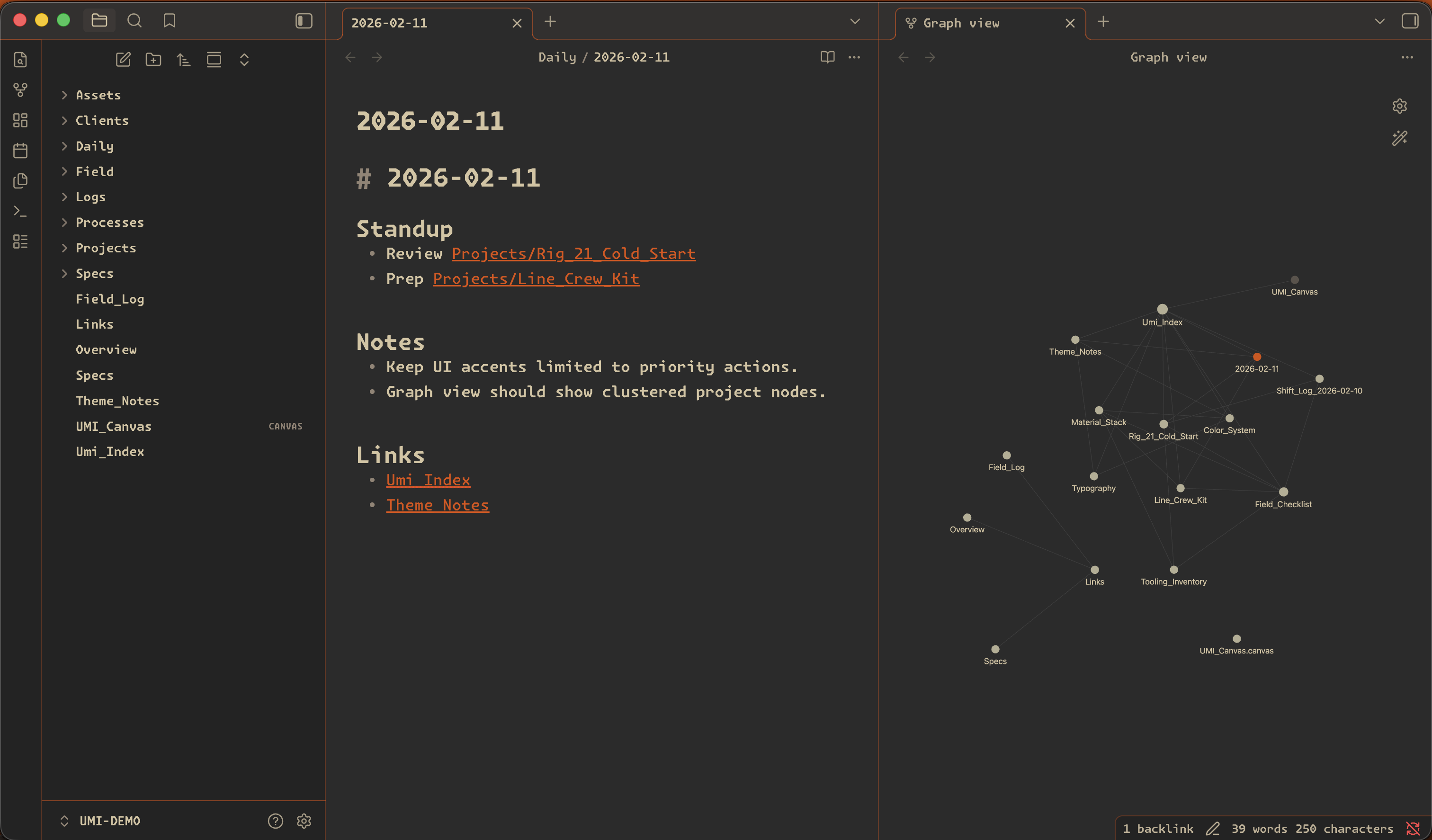
Obsidian preview showing Utility Materials dark mode.
Obsidian

Utility Materials for Obsidian

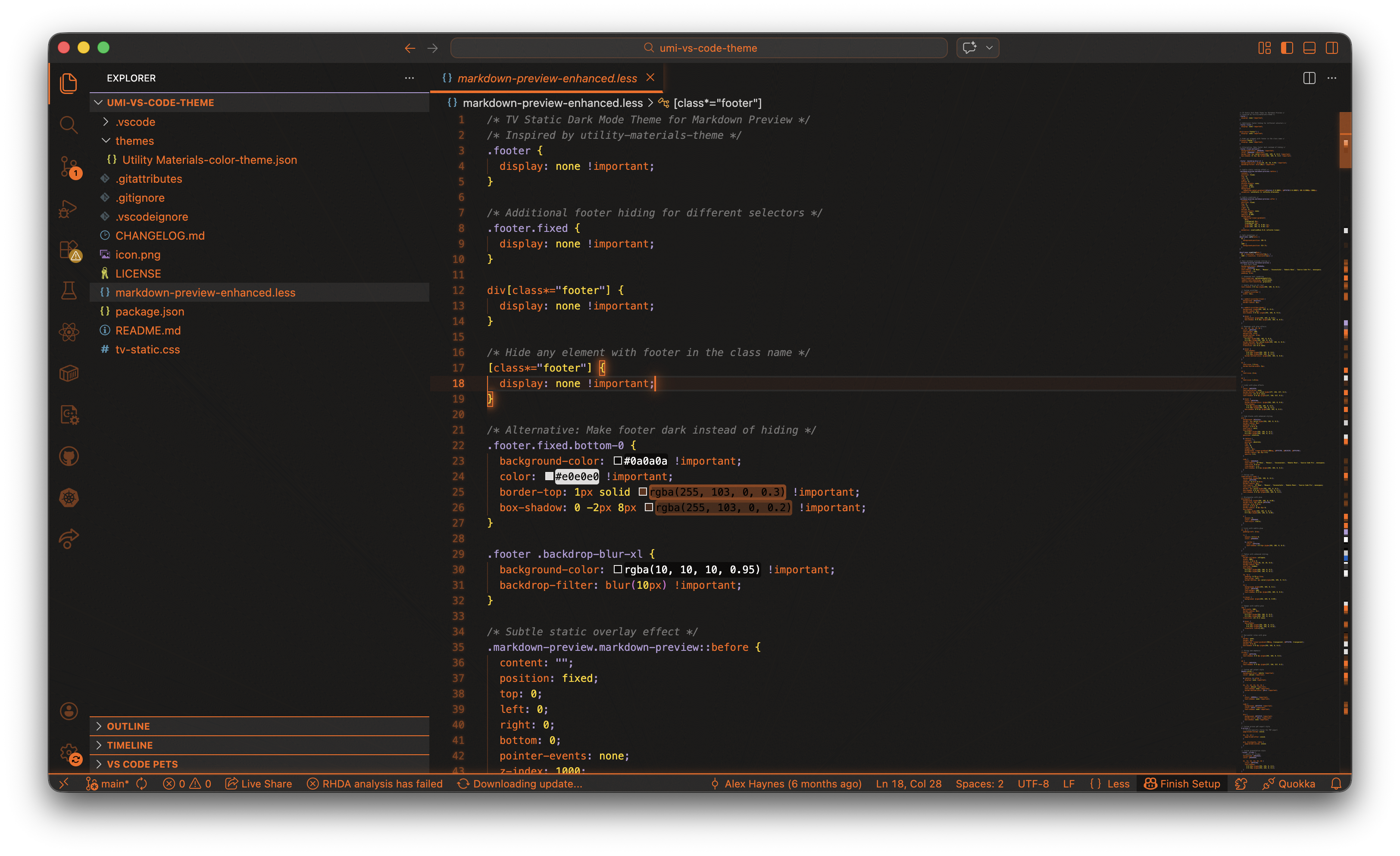
Cursor preview showing the Utility Materials editor theme in use.
VS Code / Cursor

Utility Materials for VS Code and Cursor

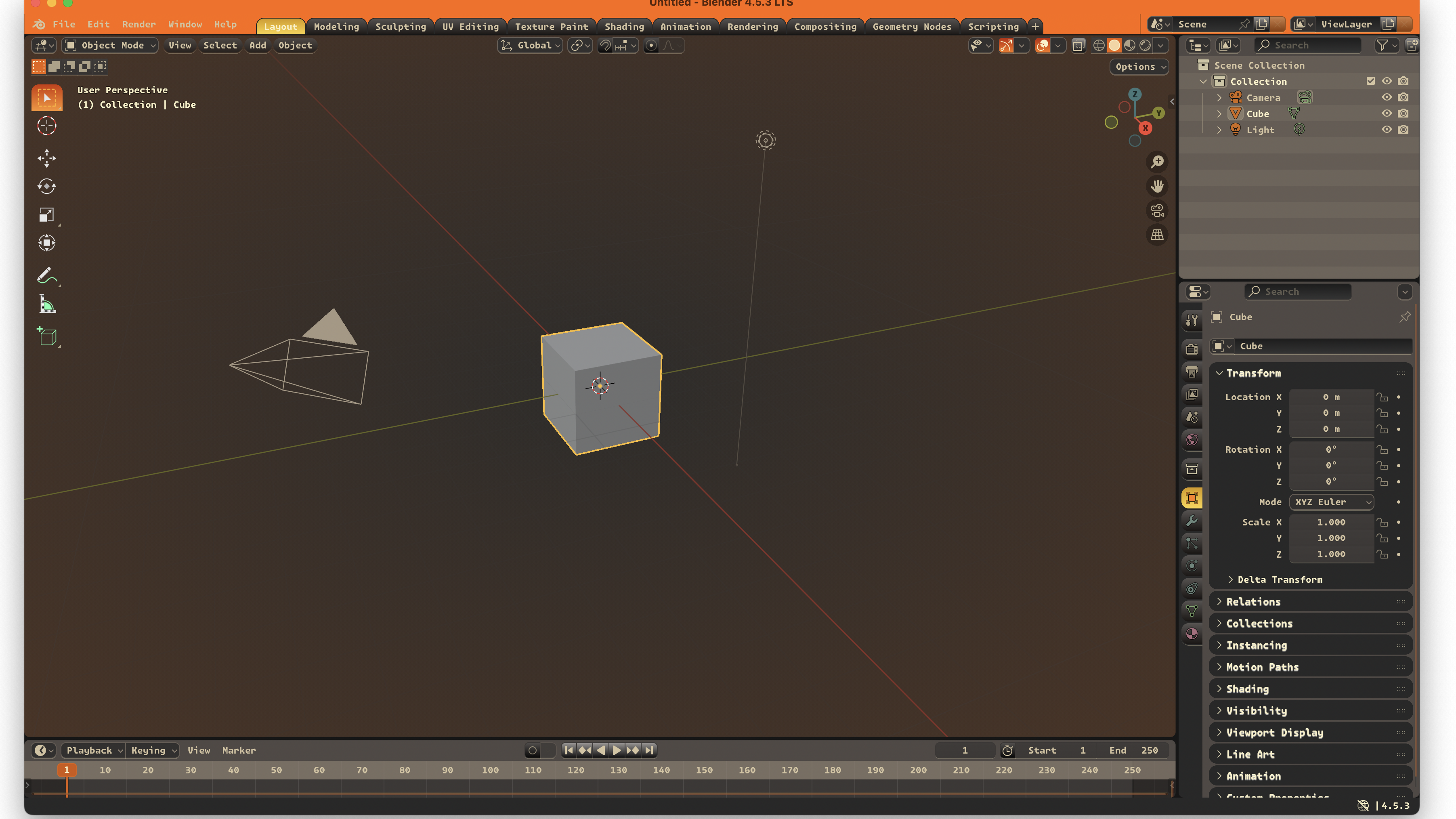
Blender preview showing the Utility Materials theme.
Blender

Utility Materials for Blender

Easy install steps for each app.

Themes built for specific working environments.

active
Codex preview showing dark theme structure and restrained orange state color.

Utility Materials for Codex

Two Codex-ready variants that map the UMI palette into Codex theme seed format.

  • Dark and light variants.
  • Monaspace Krypton Frozen set for UI and code.
  • Accent color stays limited to signal states.
active
Obsidian preview showing Utility Materials dark mode.

Utility Materials for Obsidian

An Obsidian theme built for dense notes, technical writing, and long-form system work.

  • Dark and light modes.
  • Built for tight spacing and strong hierarchy.
  • Monaspace-tuned density.
active
Cursor preview showing the Utility Materials editor theme in use.

Utility Materials for VS Code and Cursor

The editor theme package that powers both VS Code and Cursor installation paths.

  • One editor theme covers both VS Code and Cursor.
  • Deep links are optional accelerators.
  • Optional static overlays remain outside the default install path.
active
Blender preview showing the Utility Materials theme.

Utility Materials for Blender

A Blender theme with charcoal structure, orange emphasis, and long-session readability.

  • Blender extension listing is the primary install path.
  • Charcoal base with orange and cream emphasis.
  • Designed for viewport, node, and property workflows.