Blenderactive
Utility Materials for Blender
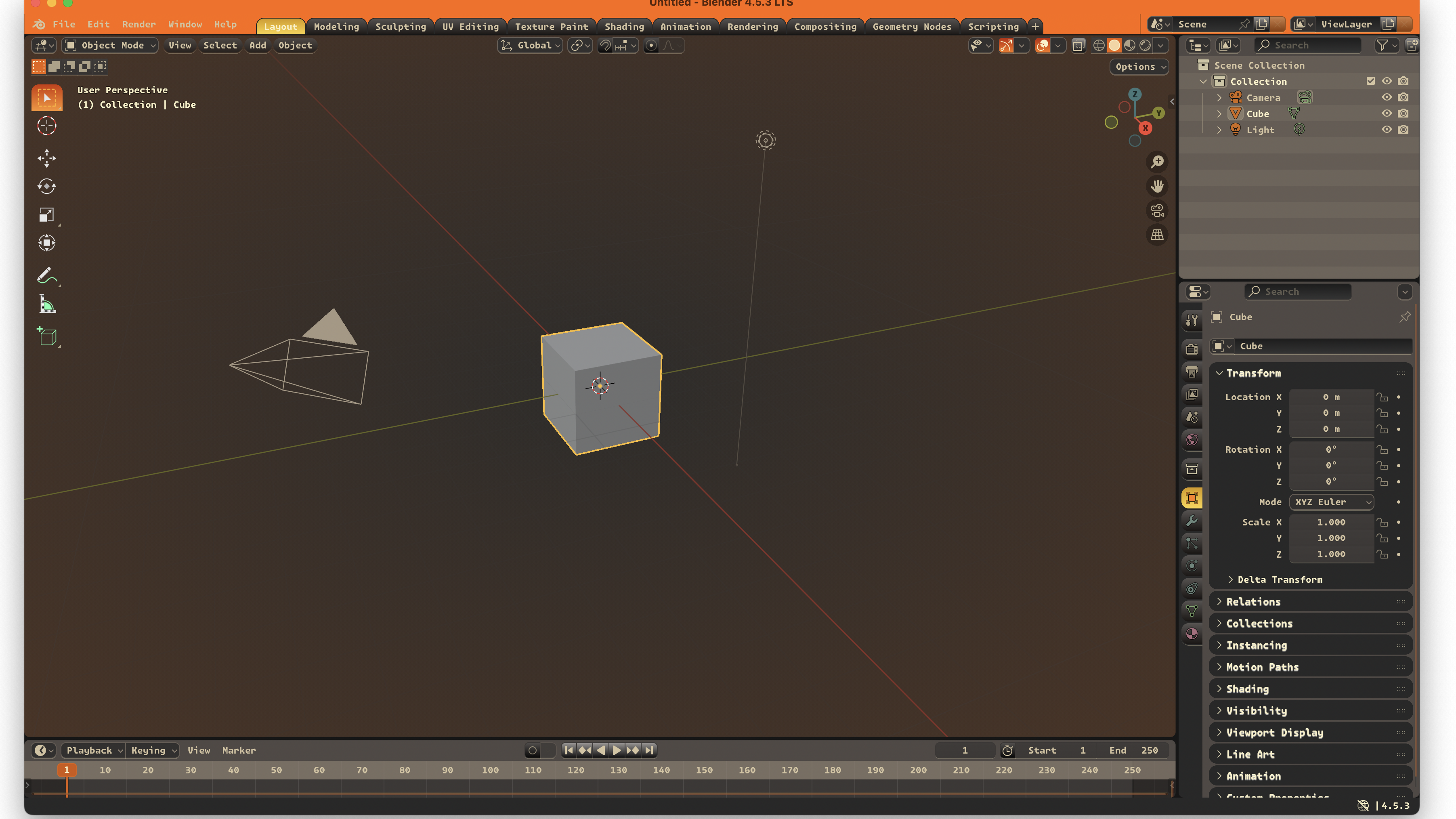
A Blender theme with charcoal structure, orange emphasis, and long-session readability.
One record, clear scope.
A Blender theme with charcoal structure, orange emphasis, and long-session readability.
- Blender extension listing is the primary install path.
- Charcoal base with orange and cream emphasis.
- Designed for viewport, node, and property workflows.
Where It RunsSupported apps.
Install
Lowest-friction path first.
- Open the Blender extension page for Utility Materials.
- Click `Get Theme`.
- Drag the downloaded file into Blender Preferences to install it.
- The Blender Extensions page is the fastest path.
- The source page is still available if you want the files directly.
Related Links
Marketplace and release pages.