One record, clear scope.
Two Codex-ready variants that map the UMI palette into Codex theme seed format.
- Dark and light variants.
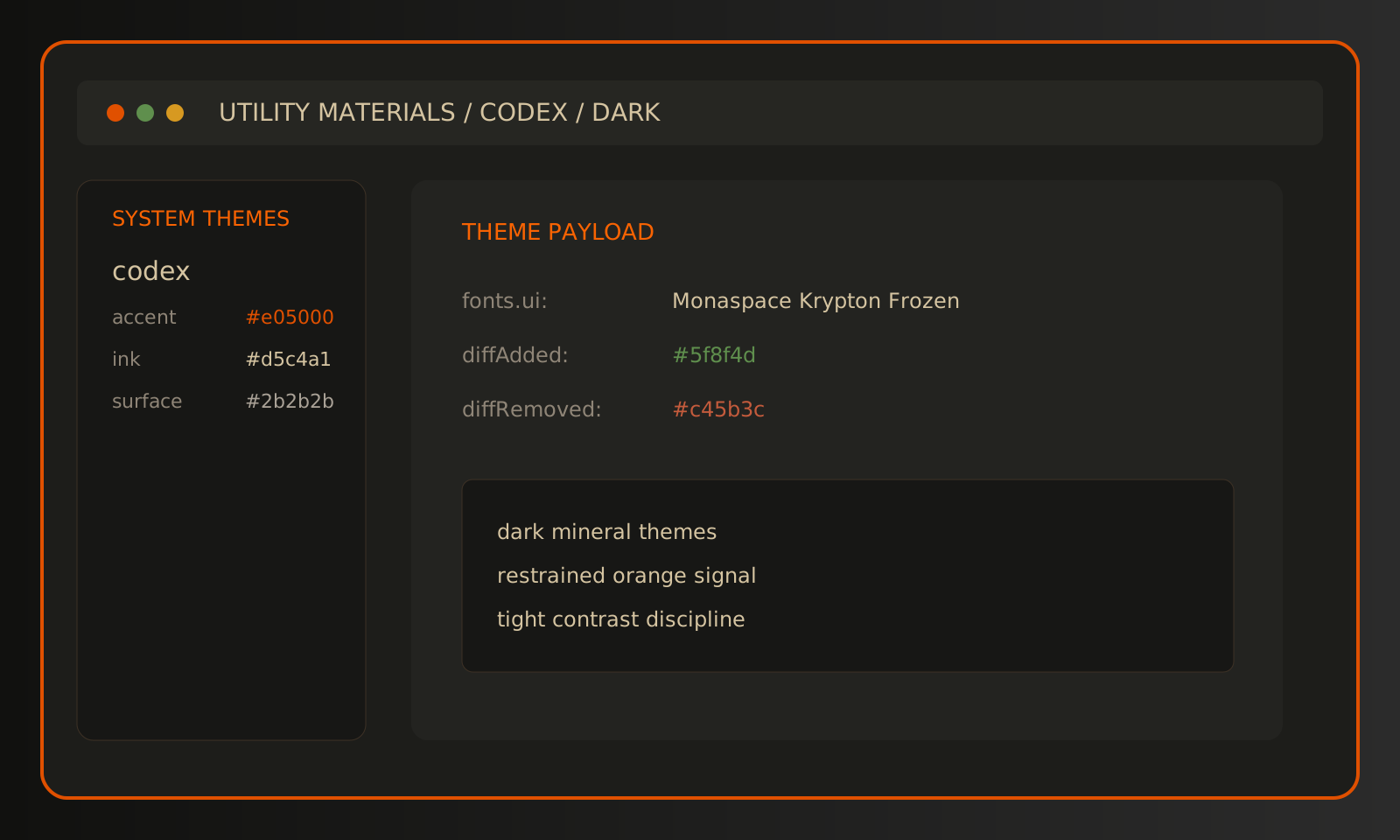
- Monaspace Krypton Frozen set for UI and code.
- Accent color stays limited to signal states.
Dark structure. Orange as state. Monospace-forward type. Dense panels built for long sessions.
Two Codex-ready variants that map the UMI palette into Codex theme seed format.
Two Codex-ready variants that map the UMI palette into Codex theme seed format.
Quick setup. Pick dark or light and import once.