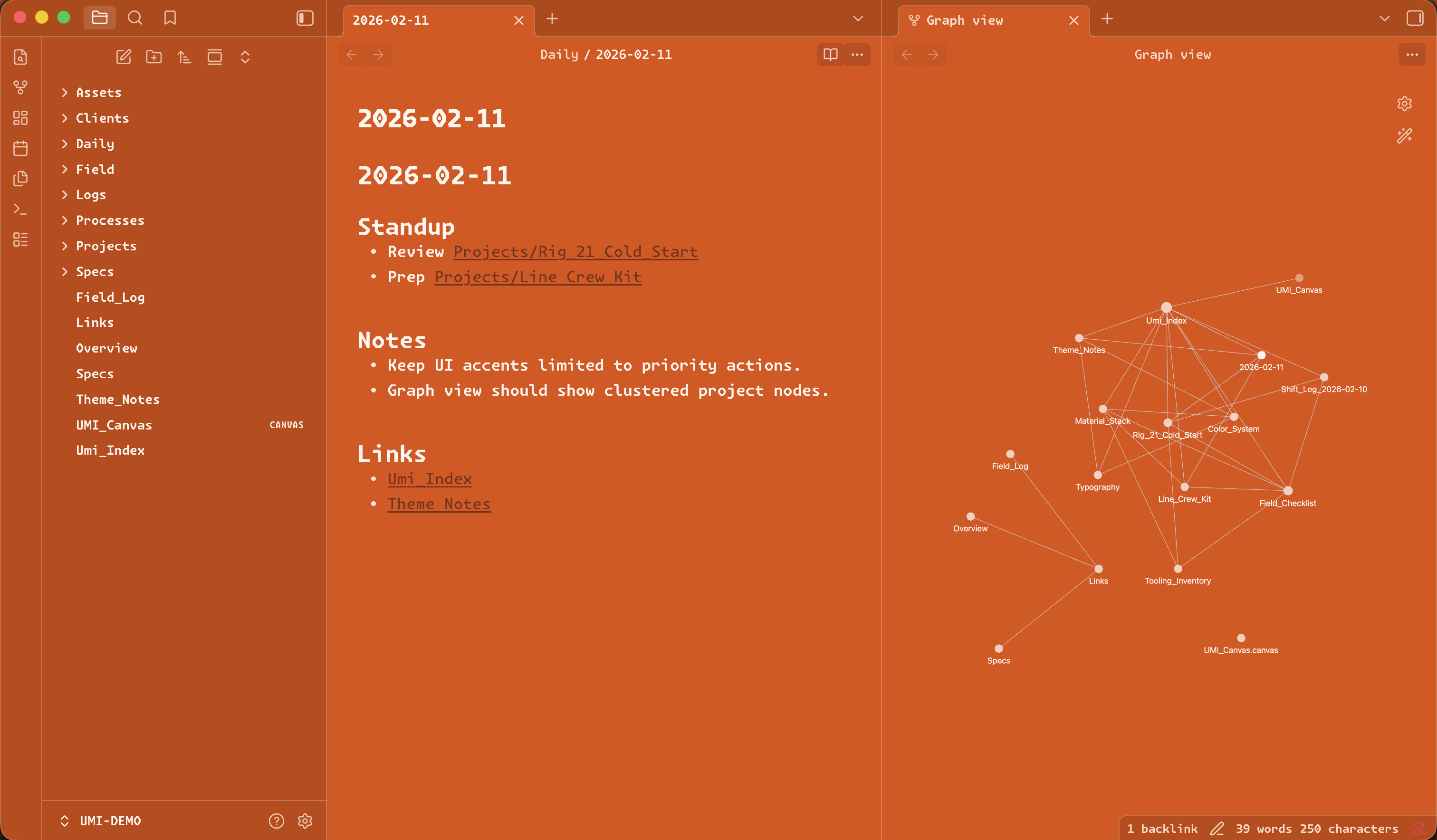
One record, clear scope.
An Obsidian theme built for dense notes, technical writing, and long-form system work.
- Dark and light modes.
- Built for tight spacing and strong hierarchy.
- Monaspace-tuned density.
Dark structure. Orange as state. Monospace-forward type. Dense panels built for long sessions.
An Obsidian theme built for dense notes, technical writing, and long-form system work.
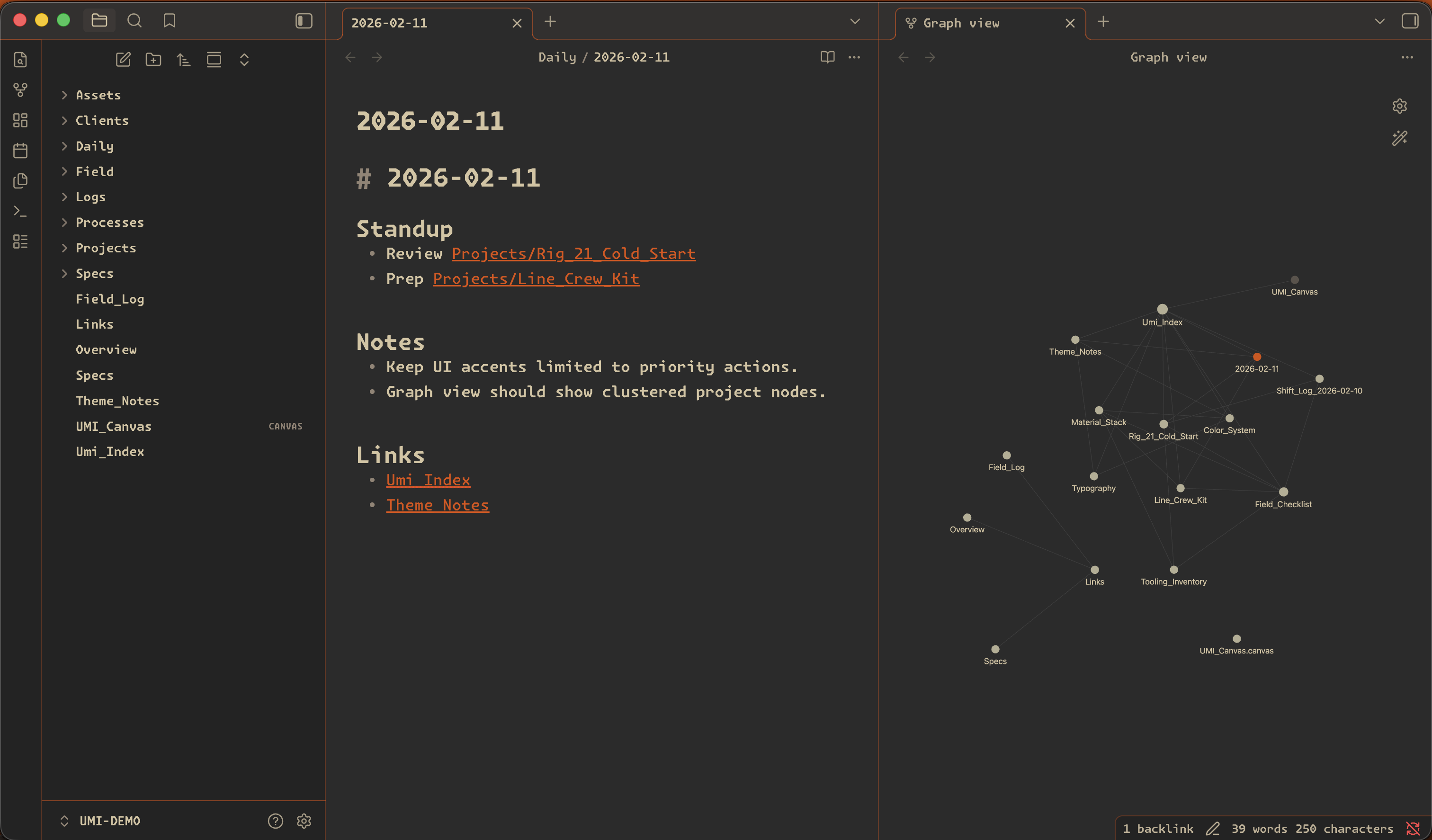
An Obsidian theme built for dense notes, technical writing, and long-form system work.
Three short steps. Usually under a minute.