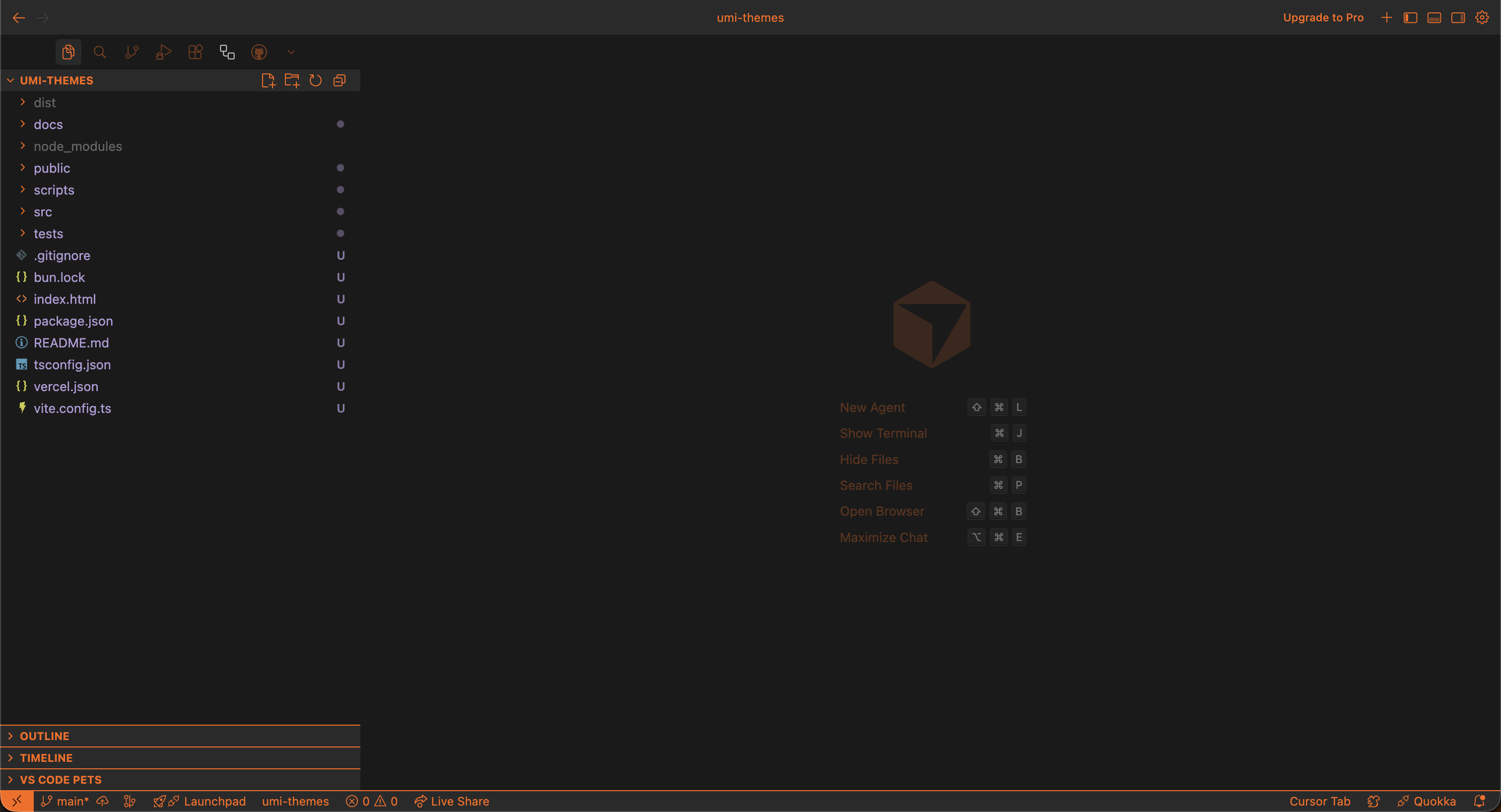
VS Code / Cursoractive
Utility Materials for VS Code and Cursor
The editor theme package that powers both VS Code and Cursor installation paths.
One record, clear scope.
The editor theme package that powers both VS Code and Cursor installation paths.
- One editor theme covers both VS Code and Cursor.
- Deep links are optional accelerators.
- Optional static overlays remain outside the default install path.
Where It RunsSupported apps.
Install
Lowest-friction path first.
- Open the Extensions tab.
- Search for `Utility Materials`.
- Click `Install`.
- The `vscode:` link is optional if you want to open the install directly.
- Optional TV static and Markdown preview extras live on the source page.
- Open the Extensions tab.
- Search for `Utility Materials`.
- Click `Install`.
- Cursor uses the same theme package as VS Code.
- The `cursor:` link is optional and community-documented.
Related Links
Marketplace and release pages.